HALLOWEEN · AMONG FRIENDS
Adult Halloween Party: Plan and Invitation
Updated 2026-10-29
Plan an adult Halloween party: compare four formats, draft an invitation, and delegate tasks with practical tools—without forced purchases.

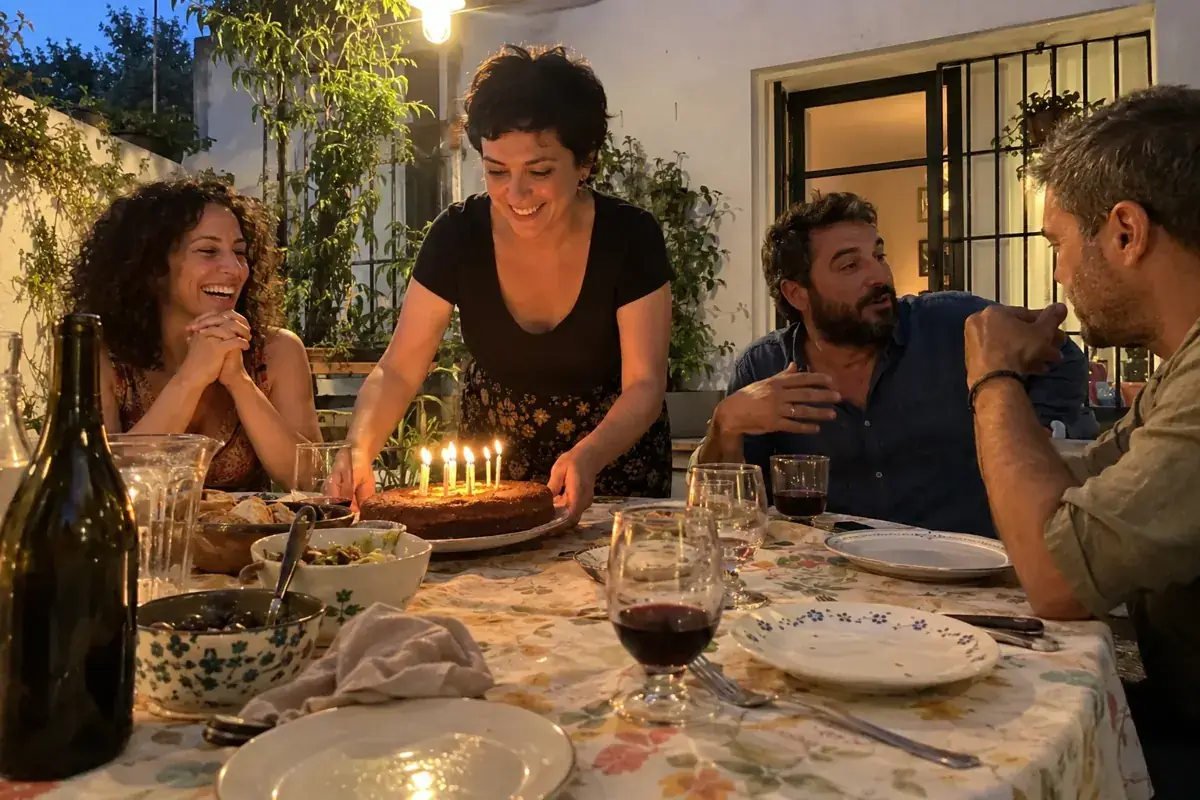
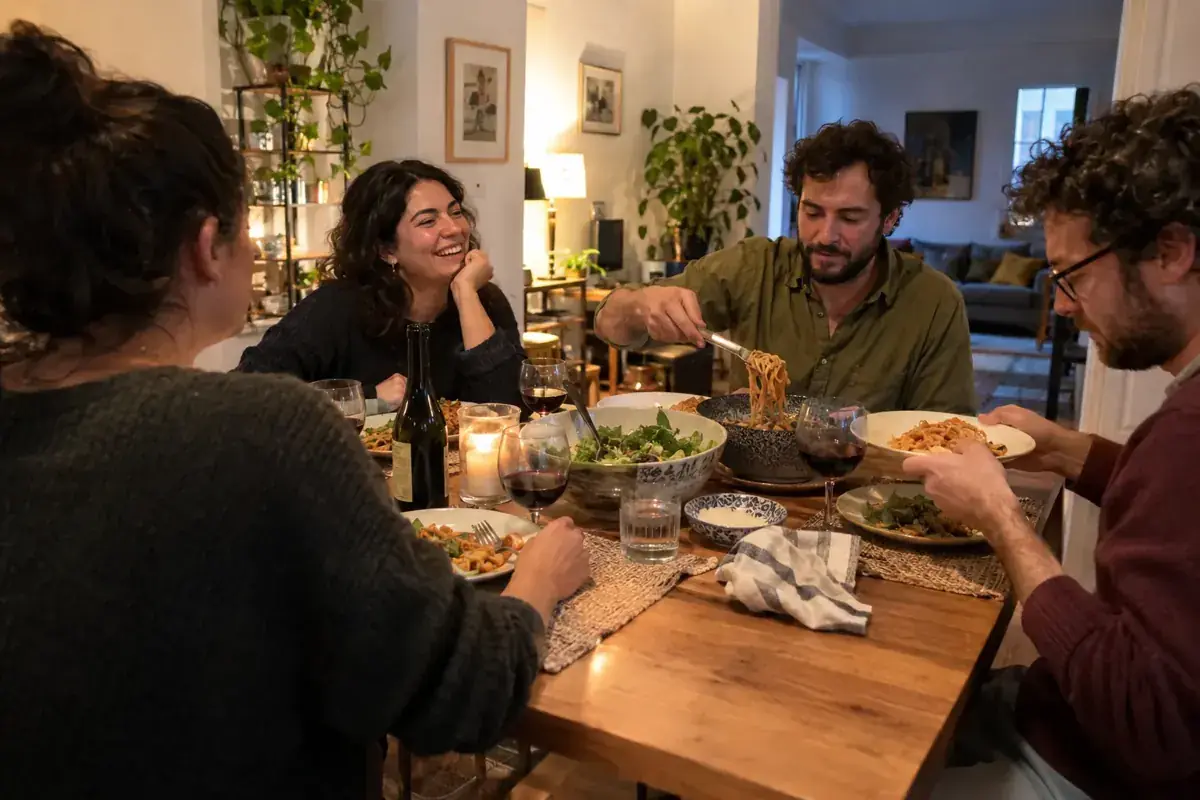
To host an adult Halloween party, first decide on the format, venue, and how many people you can host comfortably. Then agree on the schedule, whether costumes are optional, a main activity, and who will handle each task. The invitation should make those decisions clear before showcasing any decor. A relaxed dinner can also be a Halloween party; you don't need to turn it into contests, jump scares, or heavy drinking. This guide is designed for an adult gathering, with English-language examples you can adapt to your event. Its four tools help you compare formats, check the space, draft your text, and verify six key decisions. None of them book venues or send messages. Use these suggestions as a starting point and fill in the actual details before sending out an invitation.
What kind of gathering do you want to host?
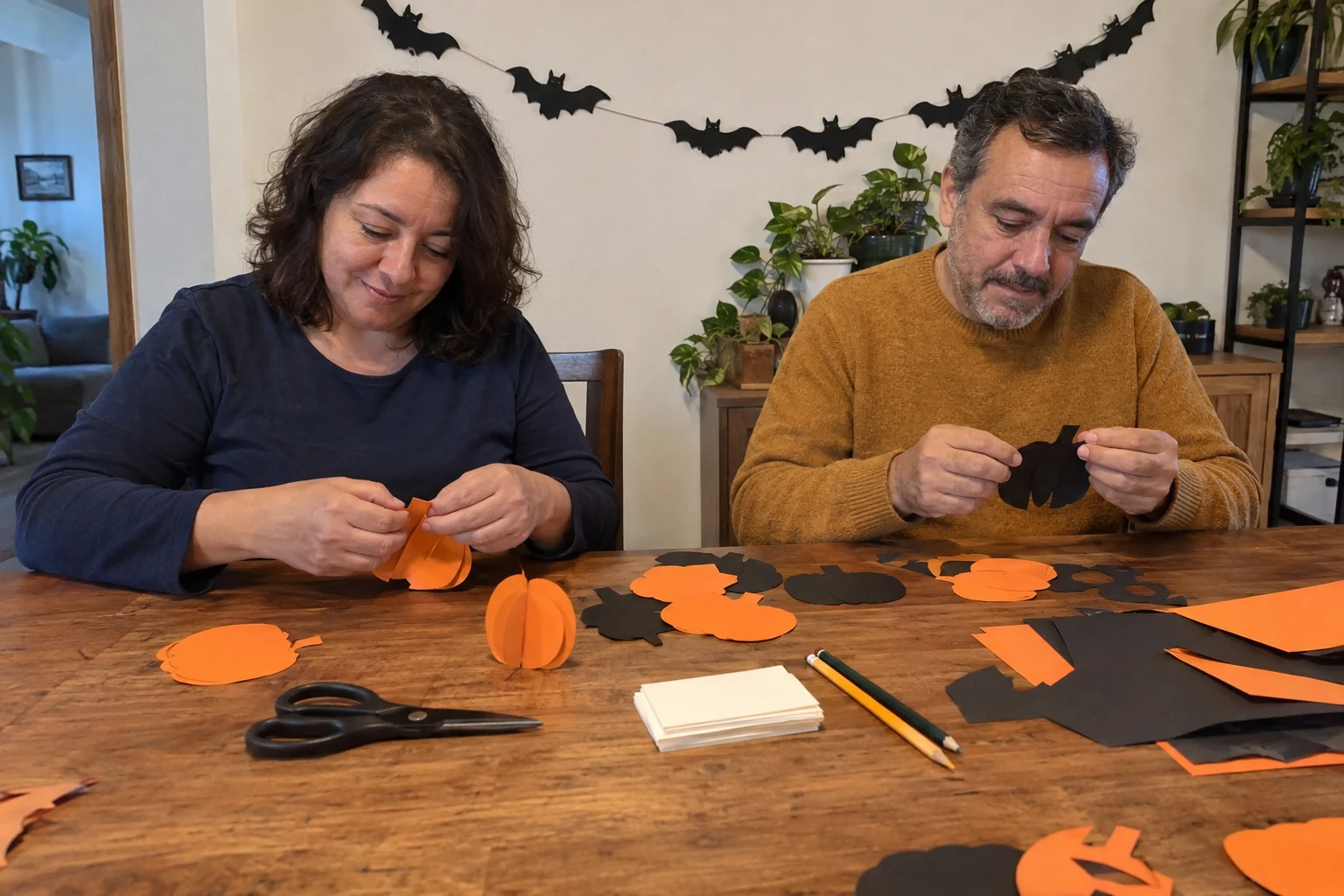
Write a single sentence describing what will happen: dinner and conversation, board games, optional costumes, or a combination still to be determined. That sentence will guide your next choices. If you advertise an intense horror night, someone might expect something very different from an after-dinner chat surrounded by paper pumpkins. Ask about preferences without requiring anyone to justify why they'd rather skip a game.
Consider what you can realistically manage, too. Cooking multiple dishes on the spot, answering the door, explaining rules, and snapping photos all compete for the host's attention. Pick a central activity you can maintain given the space and helpers available. Our article on delegating event tasks helps assign specific responsibilities without leaving a random chore list for whoever shows up first.
Halloween and Día de Muertos may fall close together on the calendar, but there's no need to bundle them as the same holiday. Describe your chosen theme and elements without assuming all guests observe the same tradition. If you want to include a family custom, talk to those who observe it. A clear invitation lets guests decide if the plan appeals to them and how they'd like to join in.
Which of the four formats fits your space?
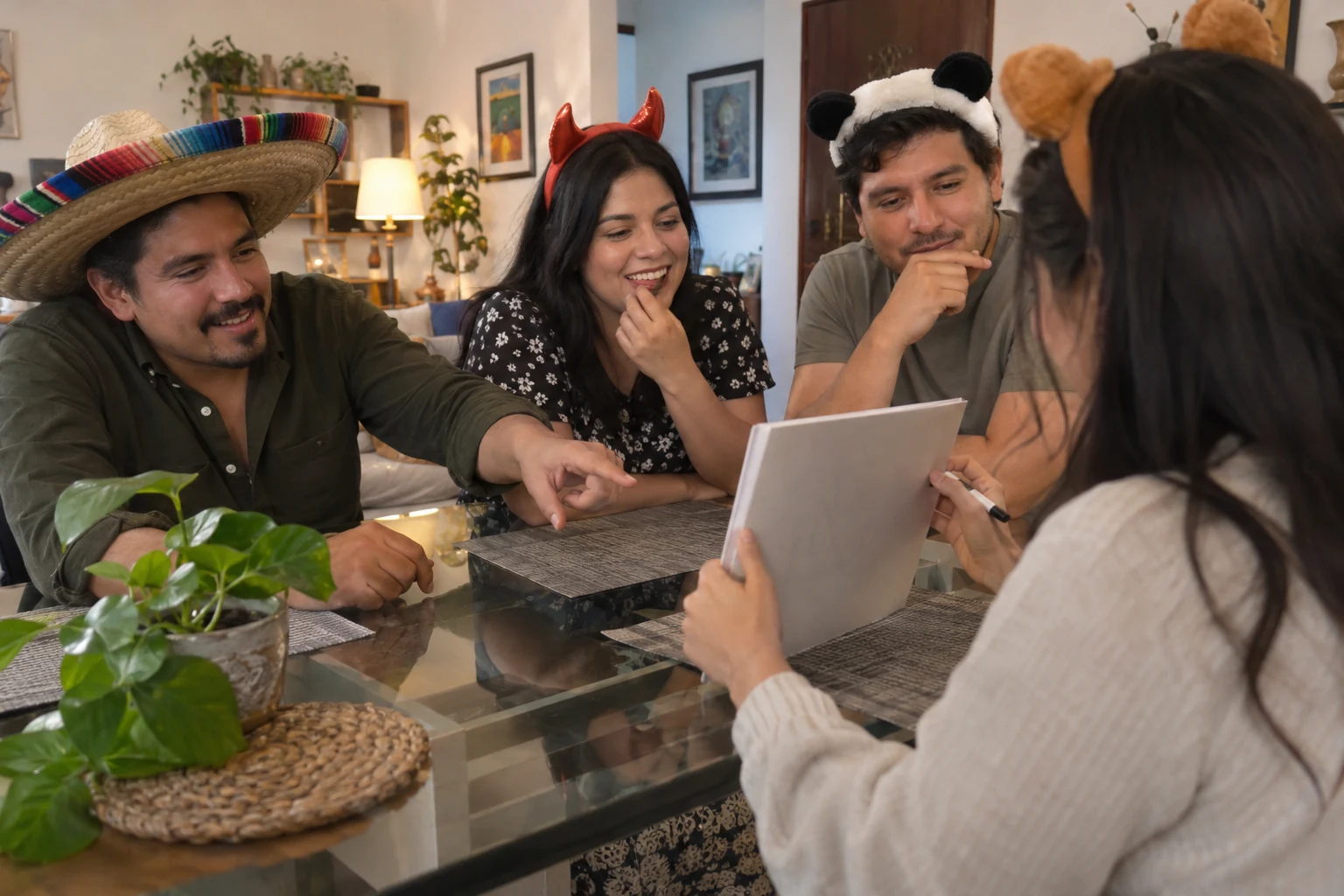
A dinner requires seating, a practical way to serve, and a table setup that doesn't require clearing away all the decorations. Games need straightforward rules and an alternative for guests who'd rather just talk. Optional costumes need explicit wording: a photo of people in costume isn't enough to convey expectations. If a detail isn't decided yet, keep the format marked as pending.
The table and selector below compare these priorities. They do not calculate room capacity or replace an on-site check of venue conditions. Review the actual layout, the path to the restroom, seating, and the entryway before finalizing your guest count. For a rented venue, check their rules and inclusions. At home, review any building rules regarding noise and hours.
Don't turn an inspirational photo into a mandatory shopping list. You can pick two colors, repurpose fabrics, and focus decor on a single surface. The outcome should support your planned activities. To assess other aspects of your space, our guide on how to choose an event venue provides a broader evaluation beyond how things look in a photo.
Read more: How to Plan an Adult Birthday Party You’ll Actually Enjoy.
Compare your next step by format
Proposals to review without JavaScript
Quiet dinner: Low-key dinner: confirm seating, service, and dietary needs privately. Costumes are optional.
Board games: Board games: pick a familiar activity, explain how it wraps up, and keep an alternative space for conversation.
Optional costumes: Optional costumes: describe the theme without requiring purchases, and ask before taking photos or posting.
Pending format: Format pending: keep what is already confirmed and agree on the next step before sending a final invitation.
Fill in the confirmed details in your actual invitation; these proposals are not sent automatically.
| Format | What to confirm |
|---|---|
| Relaxed dinner | Seating, food service, and dietary needs checked privately. |
| Board games | A short rule, a clear ending, and an alternative area to watch. |
| Optional costumes | Participation without buying anything and permission for photos. |
| To be determined | Keep what is confirmed and review before sending invites. |
What do you need to confirm before delegating tasks?
Make a four-column list in your planning document: task, person who agrees to do it, review time, and a backup plan if things change. Don't write down someone's name based on assumptions. Preparing cards, checking the music, welcoming guests, and cleaning up at the end are distinct assignments. A small, agreed-upon task is worth much more than a broad instruction like "help with everything."
Review your headcounts after receiving RSVPs, without confusing a sent message with someone who will actually attend. Ask about plus-ones through your chosen channel and confirm whatever is necessary to organize the group. The guest list must reflect real agreements. Avoid posting phone numbers, home addresses, or individual preferences in an image that could later be forwarded.
The drop-down questions in this section are designed to spot incomplete decisions. You can review them before handing out tasks and come back once you have an answer. Just because a section has been read doesn't mean the venue has been cleared or that someone has accepted an assignment. Jot down pending items with a concrete next step instead of treating them as settled assumptions.
Four questions before assigning tasks
Venue and flow
Check seating, walkways, and actual venue conditions before finalizing the guest list.
Breakdown
Explain what is optional and maintain an alternative without games or costumes.
Point people
Assign a task only to someone who accepts it, with a specific check-in time.
Shared version
Confirm the date, time, activity, and RSVP method before forwarding.

How do you organize food, drinks, and smooth guest flow?
Choose food you can realistically serve with your available resources and time. A dinner among friends makes it easy to distribute dishes and simplifies serving in the moment. Check relevant dietary needs privately with whoever is preparing the food. If you cannot accommodate a requested restriction, communicate that beforehand; an improvised label or picking out a visible ingredient does not ensure safe preparation.
Offer non-alcoholic drinks as a standard part of the gathering. No game in this guide uses drinking as a reward, punishment, or requirement to participate. If someone brings their own drink, agree on where it goes and how to tell it apart from the rest. You don't need to calculate an ideal consumption amount to force the group into a specific mold. Pick cups and surfaces that hold up to their intended use.
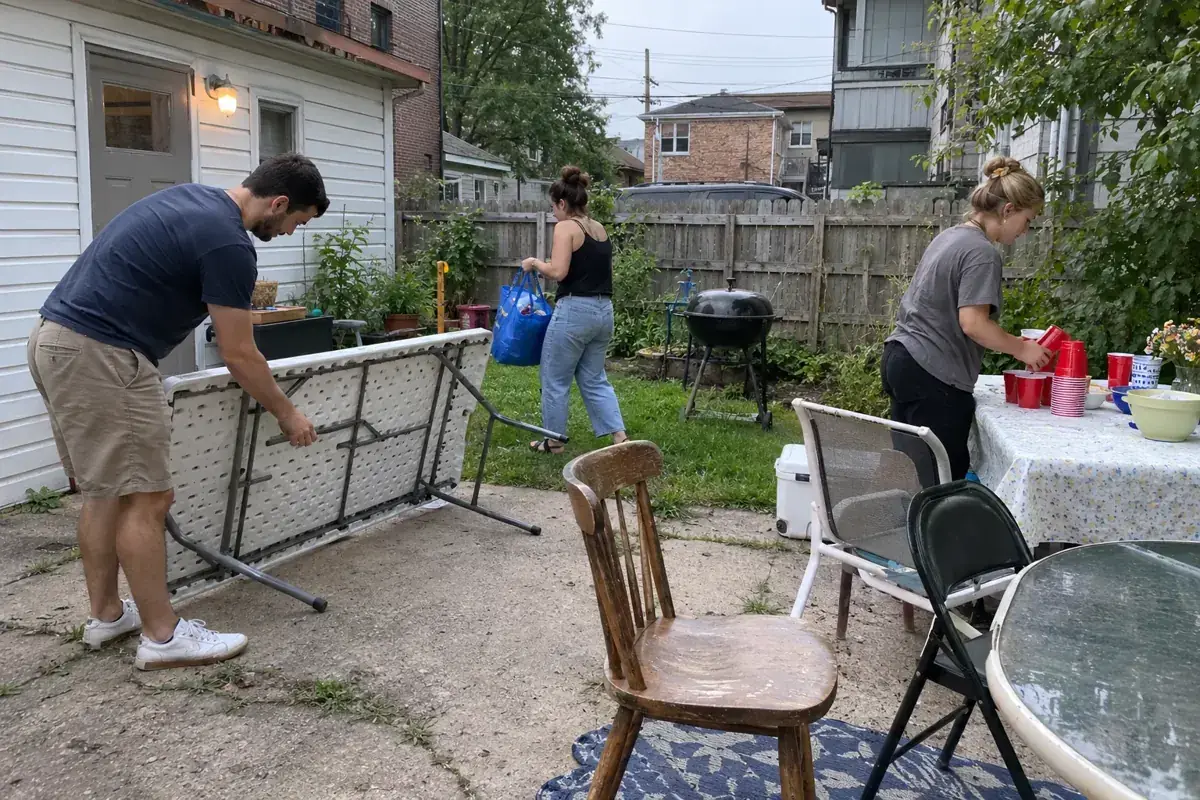
Walk through the entrance, food area, seating, and bathroom with your layout in place. Clear away anything that forces people to squeeze past a chair or step over cords. Ask guests what accommodations they might need without assuming everyone can navigate the same path. Our guide to making an event more accessible starting with the invitation helps you discuss these conditions before guests arrive.
What should an adult Halloween invitation say?
Include the date, arrival time, location, and how to RSVP. Add the chosen format, whether costumes are optional, and whether there's an activity people should know about ahead of time. If finding the address requires specific directions, share them through the appropriate channel directly with invited guests. Avoid putting private information on a public link just because the template has space for it.
The four sample messages below each include a suggested activity and clear participation expectations. They are not complete invitations: your verified details still need to be added. Pick a format, review the text, and copy it only if you want to. Switching options clears the previous proposal so a dinner draft doesn't accidentally get sent out for a game night.
Keep tasks distinct: asking for an RSVP, sending a ticket, and checking people in at the door are separate steps. Decide how you'll collect responses and who will review them. You can check how to ask for an RSVP without being awkward and what to put on an invitation to finish drafting your message. A shared ticket on its own does not prove that a guest has confirmed their attendance.
Read more: How to host a dinner party with friends without spending all night in the kitchen.
Set up a sample invitation
Proposals to review without JavaScript
Quiet dinner: We are getting together for a Halloween dinner and conversation. Costumes are optional; everyday clothes are completely fine. Fill in the date, time, location, and RSVP method before sending this sample.
Board games: You're invited to a Halloween gathering with board games and room to chat. Joining the games is completely optional. Fill in the actual event details and RSVP channel before sending.
Optional costumes: We are celebrating Halloween with optional costumes: a simple accessory or everyday clothes work great. We will ask before taking photos. Add the date, time, location, and RSVP channel before sharing the invitation.
Pending format: We are finalizing the format for our Halloween get-together. Keep this text as a draft and confirm the activity before sending a final invitation. Do not present a pending time or venue as confirmed.
Fill in the confirmed details in your actual invitation; these proposals are not sent automatically.
What games work without forcing costumes or drinking?
Prepare a trivia round using stories made up by the group, a drawing game, or a board game people already know. Explain the goal and how the game ends before starting. Run a quick practice round and make it easy for people to watch without playing. Avoid scheduling any activity that requires running, entering dark areas, or searching behind home fixtures.
Another option is building a story collaboratively. Each person adds a short section, and the group decides in advance whether they want mystery, humor, or a calm story. Never use guests' real secrets or put anyone on the spot. Characters can be completely fictional; anyone who doesn't want to play a role can simply listen or take part in another way.
If you hold a costume showcase, make participation strictly voluntary. Don't judge bodies, money spent, or supposed cultural authenticity. You can highlight a clever idea or invite people to share details about their look if they want to. Always ask before taking or posting photos. Wearing a costume to a party doesn't mean someone consents to having their picture shared outside the group.
Does a costume or a pose mean a photo can be posted?
Wearing a costume, posing or attending does not by itself answer a request to publish. Ask about the specific image and intended channel before sharing it. An answer about a private group does not settle a public-account use. Avoid group approval that pressures someone to explain publicly why they would rather stay out of the picture.
Agree on who will check images containing several people. If a reply is missing, choose another image or leave that shot unpublished. Where an activity involves photography, offer an easy way to participate outside the frame. This is a conversation process, not a substitute for applicable law or a legal release.
| Situation | What still needs asking |
|---|---|
| The guest posed | Specific image and intended destination |
| Agreed to a private group | New use before a public account |
| No reply | Do not treat silence as an answer |
How do you decorate without blocking pathways?
Keep paper decorations grouped on a single wall or on a table that won't get in the way of serving food. Maintain plenty of light along walkways and in the bathroom. Choose electric lights suited for their intended use and follow their safety guidelines. Trailing fabrics, items left on the floor, and cords running across pathways must be cleared before guests arrive, no matter how good they might look in a photo.
U.S. CPSC Publication 100, originally written for children's Halloween safety, warns about costumes touching open flames and tripping hazards in walkways. It is not a Mexican standard for adult gatherings. As an editorial recommendation for this party, we suggest flame-free decor and clear pathways. The source also notes that a flame-resistant label does not mean an item cannot burn.
The House on October Drive video explains how to plan a Halloween party, from choosing a theme and budget to invitations and activity areas. Use it as inspiration and adapt the ideas to your own guests and space. This guide does not include drinking games or gambling as mandatory activities. Your chosen format and venue remain the first things to consider.
What should you check before sharing the details?
Open the invitation just like a guest would receive it. Make sure the date, location, and RSVP method are easy to read on a phone and that the link opens the correct version. Ask a team member to review it before sending it to the group. If a plan changes, clearly communicate what changed and avoid having two active versions floating around with different times.
A reminder can highlight the time, format, and helpful details for getting there. There's no need to follow up with multiple identical messages. The guide to guest reminders helps you make sure every message shares useful information. If costumes remain optional, keep that clear in the reminder instead of introducing a new expectation at the last minute.
Set up a quiet alternative area for anyone who arrives tired, doesn't know many people, or wants to leave early. It could just be a comfortable spot to talk away from the main activity. Ask privately what accommodation would help without announcing it to everyone. Being a good host also means letting guests participate within their own comfort levels.
How do you wrap up the party without leaving cleanup to one person?
Before the party, agree on who will check supplies, oversee food, and manage clean-up. Set aside bins and an area to sort keepables from trash according to local waste guidelines. Don't scramble to delegate chores right when everyone is heading out the door. The article on post-event clean-up helps you plan a closing routine that doesn't fall on just one person.
During the party, adjust the pace to match the crowd. You can wrap up a game early or drop an activity if the mood shifts, without making it feel like the night was a flop. Keep practical information visible and stay attentive to how the space is holding up. A simple, well-understood plan is much easier to manage than juggling multiple activities at once.
When it's over, save the decisions you'd use again: the floor plan, assigned tasks, and invitation wording. Write down what actually happened without mistaking casual impressions for true satisfaction. You don't need to post photos of guests just to save a decor idea. A quick picture of the cleared table or a note about setup is plenty for planning your next gathering.
How can Convite help you?
Convite allows you to create custom tickets with QR codes, share them via WhatsApp or email with a PDF, and track check-ins. The official website also highlights team collaboration tools, ticket types, and real-time arrival tracking. These features handle invitations and entry; they don't replace checking your venue, following up with guests, or making food and activity decisions.
For a small gathering, pick the level of organization you actually need. If you're using tickets, do a dry run of the check-in process with your team before the party and decide who handles any issues. Have a clear way to assist anyone needing extra help. Don't treat a sent ticket or a successful scan as proof that the event was fully accessible.
Before purchasing or upgrading a plan, check the current terms on the official website. This article does not calculate shopping lists or process payments. Its four tools help you map out decisions and craft sample text; the actual invitation is completed and shared using whichever platform you prefer. First, make sure it's clear what kind of gathering you're hosting and what details your guests need.
Six decisions before sharing
0 / 6 items checked
The total tracks your progress; it does not authorize the venue or confirm RSVPs.
Plan the atmosphere and flow of your Halloween party
House on October Drive walks through choosing a theme, setting a budget, planning invitations, and arranging activity areas. The video uses a past party as its example; adapt the ideas to your own date, guests, and space.
The YouTube player loads when you open the video. Watch on YouTube.
Before sharing images, separate attendance from agreement to post and read how to ask guests before sharing party photos.
Before finalizing your plan
Are costumes mandatory for a Halloween party?
Only if stated upfront and agreed upon by the group. This guide recommends optional costumes. Mention that policy clearly on the invitation, and provide an easy way to participate without buying or making an outfit.
Does an adult party need drinking games?
No. You can host a dinner, collaborative storytelling, or board games without making drinks a prize, penalty, or requirement. Provide non-alcoholic options and let everyone decide how they want to participate.
Does this tool send out a finished invitation?
No. It provides sample text by format that you can copy if you'd like. Fill in the date, time, location, and RSVP method with your verified details before sending your message. Switching formats resets the previous draft.
How do you decide on the guest count?
Check the venue's actual layout, seating capacity, serving space, and walkways. This tool does not calculate capacity or grant venue permissions. Confirm plus-ones via your chosen channel and don't count a sent invite as an RSVP.
Does a Convite ticket automatically confirm attendance?
Sending a ticket and receiving an RSVP are distinct steps. Establish a clear way to collect confirmations. Convite makes it easy to share custom tickets and manage check-ins, but sending a ticket doesn't mean someone has confirmed or arrived.
Sources and helpful reading
Practical guide from the editorial team. Examples are for guidance; adapt decisions and requirements to your event.
- CPSC · Halloween Safety, Publication 100 (2012): U.S. safety bulletin originally focused on child safety: costume flammability and walking hazards. Its application here for adult parties is an editorial adaptation, not a Mexican standard.
- Convite · Official Invitation and Access Features: QR code tickets, delivery via WhatsApp or email with PDF, and check-in management, accessed October 15, 2026.