Invitations
Ask guests before sharing party photos: clear wording
Ask guests before sharing their photo, explaining the image, the channel and the intended audience. Attending the party or staying silent does not answer that request. If the proposed use changes or the reply is unclear, ask again before you share the image with others.
Updated 2026-10-29
A photo intended as a private keepsake can end up on a public profile when nobody distinguishes those uses. Before creating an album or posting a selection, agree on how sharing decisions will be made. This guide helps you have that conversation. It does not provide a legal release valid in every country or replace rules for a venue, workplace or activity involving children. The models are generic: you do not need to upload photographs, guest names or identity documents to use them.
What exactly should you ask before sharing?
Identify a particular image or recognizable selection and the proposed use. “Can I use your photos?” leaves too many possibilities open: a small group, a public story and a promotional post reach different audiences. Where practical, show the selection privately so the person understands the request without exposing other guests.
Original model: “I would like to share [image or selection] from [gathering] on [channel] with [intended audience]. Are you comfortable with that use? If you would rather not appear, I will leave that image out of the selection.” Adjust the final sentence to something you can actually do without promising control over other people’s copies.
Why does attending not answer the sharing question?
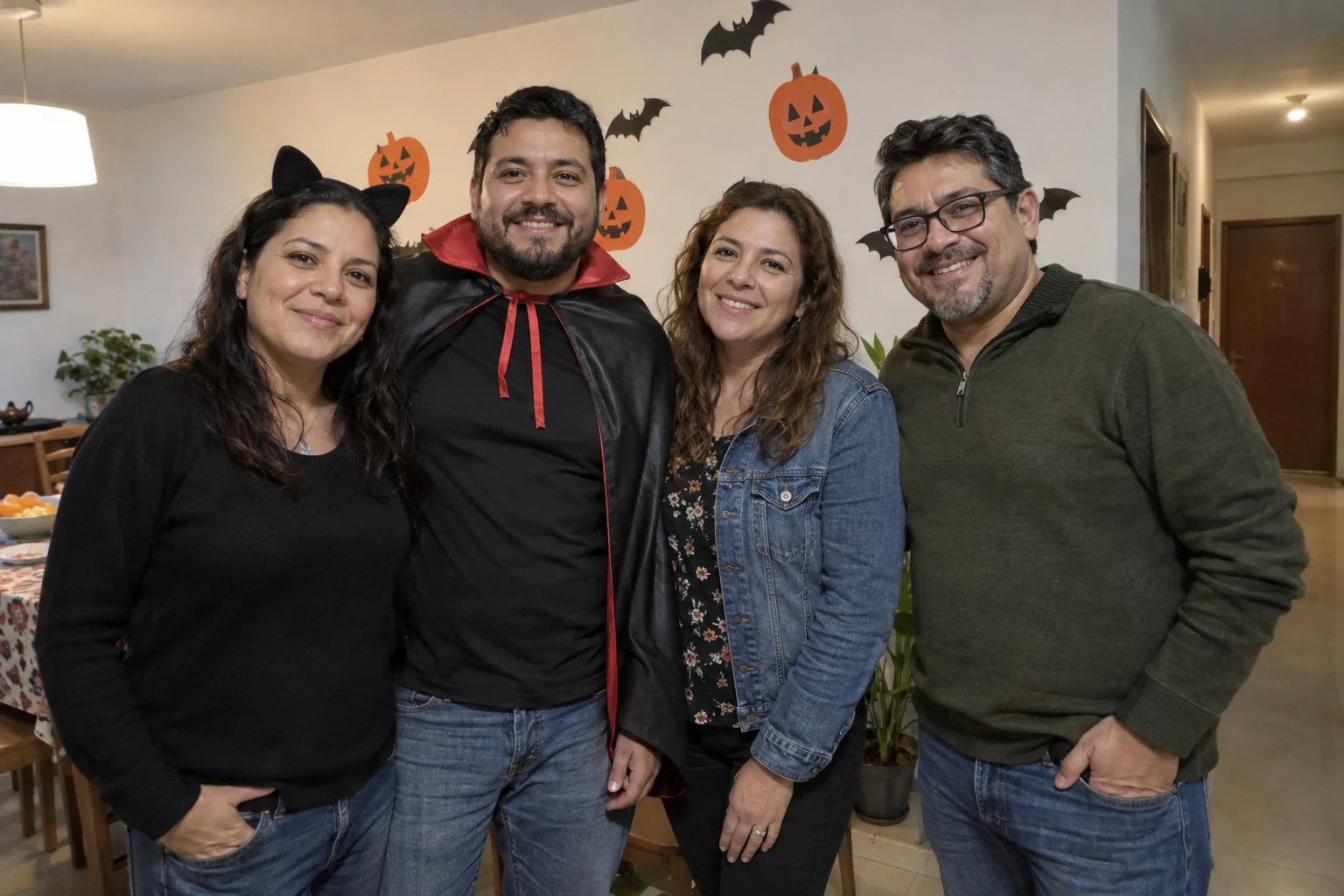
An RSVP answers whether someone plans to attend; it does not describe which photos they want published afterward. A costume, a pose or a suggested tag does not explain every future use either. Keep that conversation separate and allow someone to decline without asking them to justify a personal preference.
For practical planning, keep a missing or ambiguous reply marked as pending. Do not switch it to “approved” because your posting deadline is approaching. You can choose another image or wait for a clear answer. An internal deadline for finishing a selection does not turn silence into agreement.
Read more: How to Protect the Privacy of Your Guest List.
Build a request about a specific photo
Blog tools: no messages are sent and no data is stored; these are not app features. Use examples without private information.
What changes between a private album and a public profile?
Check the actual audience and the chosen channel’s settings. A shared link can be forwarded, and a small group does not guarantee that nobody will copy an image. Avoid presenting “private” as an absolute guarantee. Explain known limitations before asking, especially if you plan to identify people or show information about the location.
If you later want to move from that album to a public post, ask again about the new audience. Check a change of purpose too: a family keepsake does not automatically become business promotion. The selector on this page helps identify those changes; it does not validate a legal permission or release.
A perspective on sharing images
Global News discusses sharing children’s images online. The interview concerns that particular privacy context, not a universal legal release for party photos. Our process asks about a specific image, audience and purpose without treating attendance as agreement.
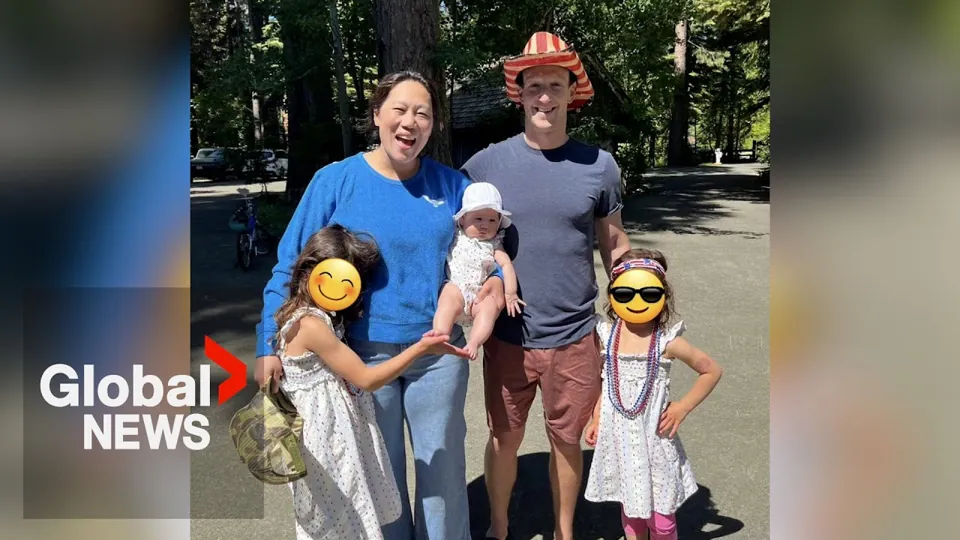
The YouTube player loads when you open the video. Watch on YouTube.
What should you check for groups and children?
Review the whole selection, not just the person in the center. Someone may appear in the background, a reflection or beside a visible name tag. If you cannot clarify the position of recognizable people, leave the image out or choose another. Cropping does not resolve everything if they remain identifiable.
For children, consult the responsible adults and consider the child or teenager’s wishes before sharing. CNIL describes specific requirements in France, including parental agreement; that reference is not a Mexican or universal rule. For school, workplace or promotional events, check the applicable process with the person responsible for the activity.
Choose the next step without skipping a check
Read the options without JavaScript
- No reply about this image
- Pause the intended use and ask a specific question; silence does not answer the request.
- The image, audience or purpose changed
- Explain the change and ask again before sharing. An earlier reply does not automatically cover the new scope.
- The person asks for removal
- Pause new uses and remove what you control. Explain what you can do without promising to erase every copy.
These options organize decisions; they do not certify safety, rights or a handoff. Keep missing answers pending.
How should you respond to a refusal or change of mind?
Thank the person and confirm what you will do with your selection. Avoid debating whether they “look good” or asking the group to persuade them. You can keep a memory without turning it into a public post. Sharing an event does not require every image from it to circulate.
If the image is already posted, review the available removal options and contact whoever controls the publication. Pause new uses while clarifying the request. Do not guarantee deletion of screenshots or forwards made by other people. If there is a dispute or a specific obligation, seek guidance suited to the country and situation.
Read more: Adult Halloween Party: Plan and Invitation.

What should the organizer keep track of?
Keep a proportionate record of the agreed use and pending questions, with limited access. Personal documents are unnecessary for organizing an informal conversation. Also agree on use with the person who took the photograph. Receiving a file and asking the person pictured are separate conversations, not one blanket approval for everything.
These aids prepare generic wording in your browser. They do not receive or send photos and do not certify permissions. They are not an album or a consent feature inside Convite either. Check the product’s current options for QR invitations. You still need to organize the image selection and communication with guests.
Also read: How to Host a Clear and Well-Coordinated Product Launch.
Before finalizing your plan
Does an RSVP approve all photo sharing?
These are separate questions. Ask about the particular image and use before including it in your selection.
What if I receive no reply?
Keep the use pending rather than marking it approved. Wait or choose another image.
Does a private album prevent copies?
It does not guarantee that. Check the service’s options and explain limitations before sharing a link.
Can I reuse the photo for business promotion?
Review the new use separately instead of inferring it from a conversation about a private keepsake.
Is the model a legal release for every country?
It is a communication aid. Applicable requirements depend on the location, people and intended use.
Do I need to upload photos?
Use generic fields and review the actual image through a private channel agreed with the person.
Sources and helpful reading
Practical guide from the editorial team. Examples are for guidance; adapt decisions and requirements to your event.
- CNIL: image rights online, a French reference: French-context source; this model is not a universal legal release.
- Convite: current features: No album or permission-certification feature is attributed to the app.