Inviting with intention
How to Protect the Privacy of Your Guest List
Protect names, contact details, and responses with a minimal guest list, role-based access, and vetted sends. Practical recommendations for managing your invitations.

Planning an event can bring together names, phone numbers, emails, RSVPs, and personal conversations in one place. It is easy to ask for more information than necessary or to share an entire list to resolve a minor task. Protecting that information does not have to complicate the celebration: it starts with knowing what purpose each piece of data serves, who needs it, and when it is no longer required. This guide offers practical organizational habits, not a review of legal obligations for every country. If your event belongs to a company or handles specific requirements, also follow the policies and professional guidance relevant to your context.
Ask for information for a specific decision
Before adding a field, ask what action it will enable. A name might serve to prepare an invitation; contact info, to send it; the confirmed headcount, to arrange the space. If there is no defined need, you might not need to ask for that data point. Avoid copying long forms from other events: what was useful for a conference does not necessarily fit a dinner among friends.
Naturally explain why you are requesting information. We need an email address to send your invitation is clearer than asking without context. Do not turn an RSVP into implicit consent for future communications. When someone prefers another channel and a reasonable alternative exists, consider using it. Keeping the list small makes it easier to correct, review access, and remove copies when finished. It also reduces the likelihood of an irrelevant note being shared with someone who does not need it.
Separate operational information from personal conversations
An entrance list usually needs less information than the event planner. The check-in team might need to know the name, access level, and whom to consult, but not the reasons for a cancellation or the contents of a family conversation. Keep personal notes out of the operational document when they are not necessary for their task. Write down concrete action items instead of private explanations.
If someone raises a dietary or accessibility need, talk privately about how to resolve it and who needs to know the essential details. Do not turn that information into a visible label for the entire group. You can note that the person in charge needs to review a case without sharing the details. Ask before passing sensitive information to a vendor or other team members. Organizers benefit from knowing what to do; they do not always need to know the whole backstory explaining that action.
Read more: How to Make a Guest List You Can Actually Use.
Share based on each person's role
Think in terms of tasks, not general trust. A person can have your full trust and still not need everyone's phone numbers to arrange seating. Prepare a view or copy with only the fields required for each role, and define who can edit. Avoid handing over the master list every time someone asks for a count or a confirmation. Sometimes a total figure or a specific answer meets the need without sharing the document.
Convite includes team features with organizer and door roles within its account-based workflow. Review how they apply to your event and test the corresponding permissions before welcoming guests. Do not use shared accounts as a substitute for clear role assignment. The goal is not to promise absolute protection, but to limit the circulation of information and keep responsibilities clear. If a collaborator stops participating, review the access and materials they no longer need according to the system used.
Review sends and recipients carefully
Distribution mistakes are easy to make when there are similar names or individual files. Before sending, verify the contact info, invitation, and message as a single unit. If you are working via email, check which addresses will be visible. If you are using messaging apps, avoid attaching an entire list to explain who is invited. A personal link or an access QR code should also never appear in a public post as a design sample.
Test using authorized sample data, not real guest information that will later remain in screenshots or promotional materials. When someone else helps with mailings or distribution, give them clear instructions and a limited set of files. Do not leave previous versions mixed with final ones. If you need to share a screenshot to troubleshoot an issue, crop or obscure data that is not relevant before sending, provided that does not conceal information needed to understand the problem.
Prepare a discreet reception desk
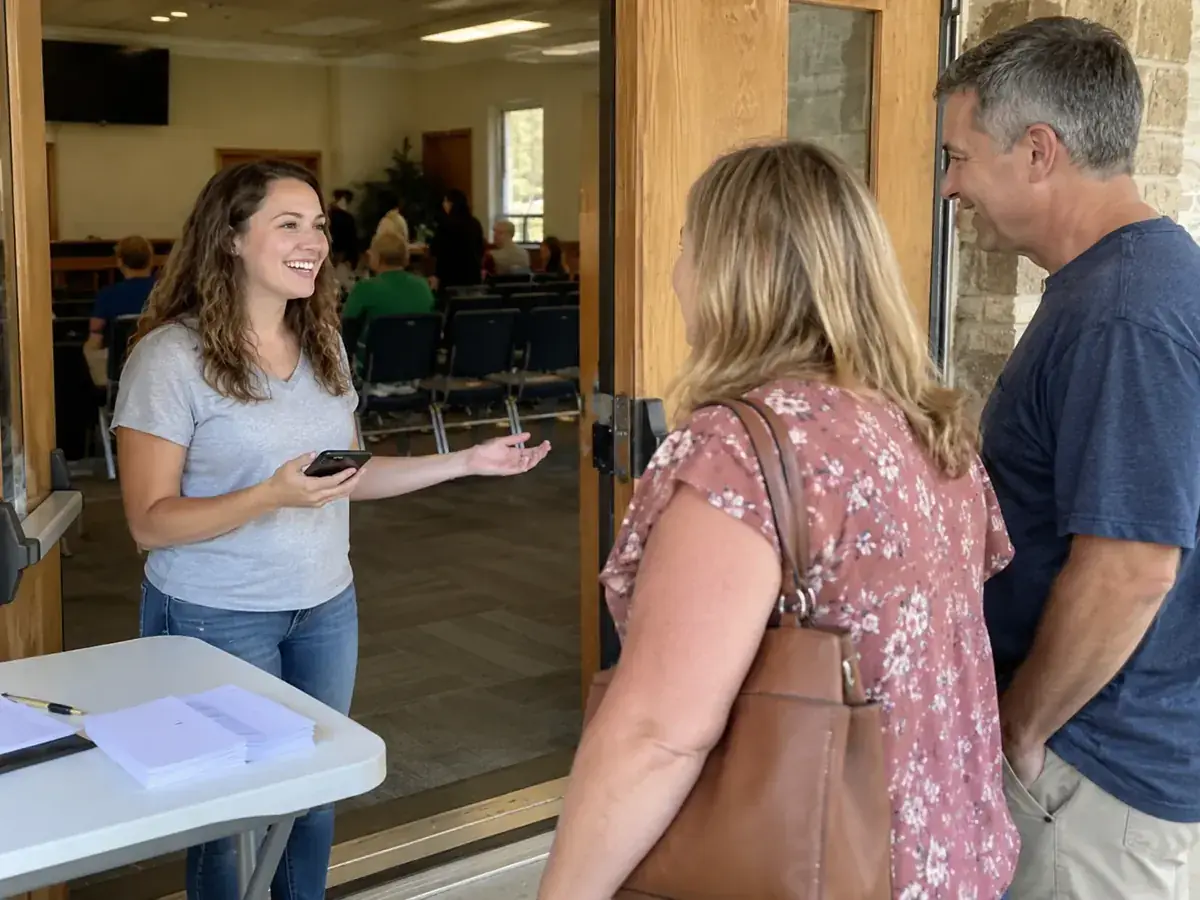
Caring for the list continues at the door. Do not leave screens or paper where anyone can read contact info, responses, or notes. Angle the device toward the user and keep backup copies in a controlled place. Avoid announcing personal information out loud when someone does not appear on the roster. A phrase like let's check your invitation lets you help without putting the situation on display in front of the entire line.
Designate a point person to resolve discrepancies. Whoever is scanning or checking people in should not improvise new questions about personal data that was never requested. If alternative verification is needed, agree in advance on what information is relevant and how it will be handled. Do not routinely collect IDs or photos to resolve an access issue. The procedure should be proportionate to the event and available information, with a clear escalation path to consult the organizer when a situation is unexpected.
Read more: Email invitations: subject line, message, and attachments.
Decide what to keep after the event
Once the gathering is over, review which files still serve a real purpose. You might need to settle a vendor bill or resolve an incident, but that does not mean keeping all working copies indefinitely. Identify temporary documents, downloads, screenshots, and lists sent to collaborators. Agreeing from the start on who handles this review makes it more likely to get done once the rush of the celebration has passed.
Do not automatically turn contact info into a distribution list for marketing or future events. Guests shared their details within a specific context. If you wish to reach out for a different purpose, raise that possibility separately and clearly. In organizations with data retention policies, follow the applicable time frames and procedures rather than improvising a universal rule. This guide recommends minimizing unnecessary information, but it does not replace the obligations that may apply to your activity or jurisdiction.
Respond to a mistake without hiding or multiplying it
If an invitation or list was sent to the wrong recipient, first stop the workflow causing the error. Review what was shared, with whom, and whether other sends have the same issue. Do not assume that deleting a message deletes all copies. Contact the necessary people with an accurate explanation, and avoid resending the entire material to describe what happened. When sensitive data or an organization is involved, follow the appropriate incident procedure.
Next, fix the root cause: confusing file names, autofill, an unorganized folder, or lack of review. Do not reduce everything to simply asking for more care without changing the process. A pause between preparing and sending, a test with dummy data, and a smaller operational list can prevent the same mistake from happening again. Privacy does not depend on a solemn statement at the end of a form; it is built through everyday decisions about what you request, what you share, and what you stop keeping.
From reading to action
Your checklist before sending invites
Check off what you've already sorted out. This checklist is saved only in this browser, without sending data or creating an account. It is not an app feature.
0 of 6 tasks completed
Before sharing images, separate attendance from agreement to post and read how to ask guests before sharing party photos.
Before finalizing your plan
Should I share the entire list with the door staff?
Share only what is needed to welcome guests and resolve issues. Contact information and personal conversations are usually not needed at the door.
Does this guide cover the laws of all countries?
No. These are organizational recommendations; for legal obligations or company policies, consult the guidance applicable to your case.
Sources and helpful reading
Practical guide from the editorial team. Examples are for guidance; adapt decisions and requirements to your event.
- Convite: Product Information: The features described were verified against product documentation; planning methods are editorial recommendations.