Guides for hosts
How to welcome guests without creating lines or leaving anyone lost
Updated 2026-10-30
Design a warm, orderly welcome: a clear entrance, invitation check-in, answering questions, and initial steps to help everyone get their bearings.
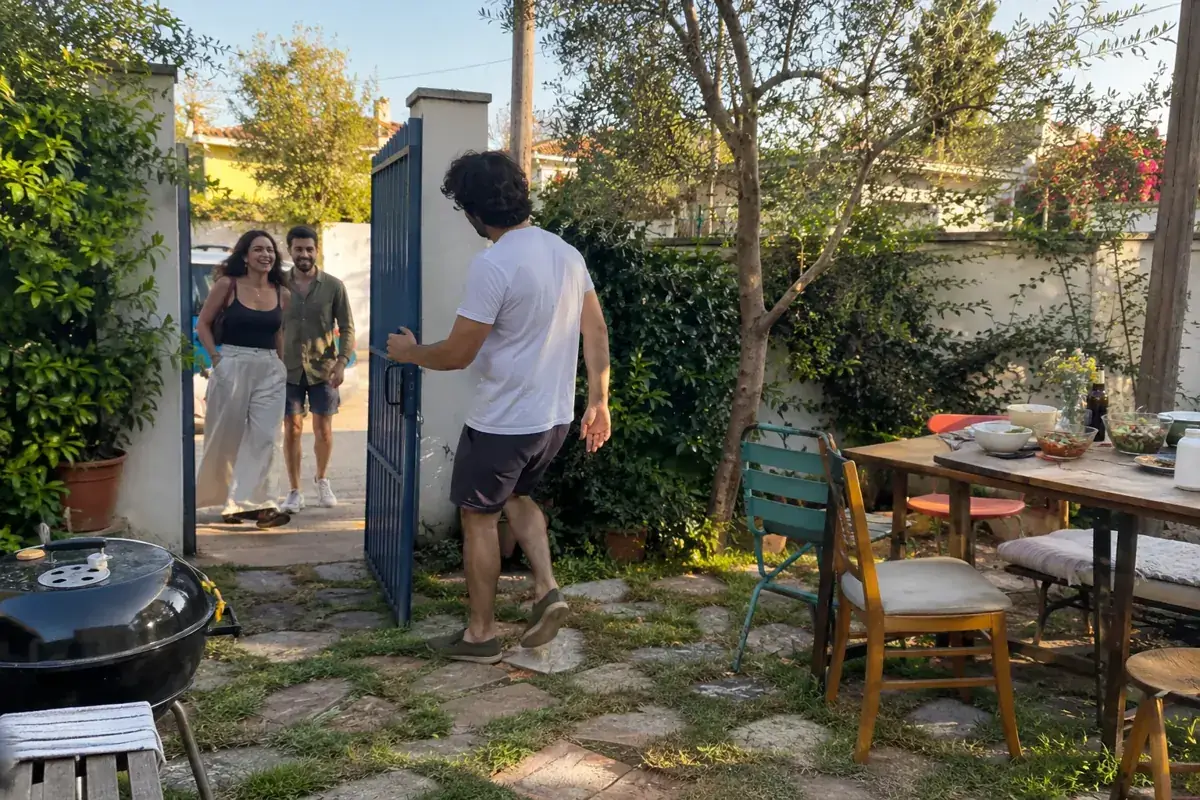
Welcoming guests at an event without lines requires a clear entrance, someone to answer questions, and a simple check-in procedure. The welcome is the moment an invitation turns into a real-life experience. A guest arrives with expectations, perhaps in a rush or hardly knowing anyone, and needs to understand where they are and what comes next. A great welcome doesn't call for a massive production. It requires a clear entrance, an available point person, and a process that resolves questions without making the guest feel like an inconvenience. This guide works for small gatherings and ticketed events alike. You can adapt it to the size of your group, using only the steps you need and avoiding gathering unnecessary details that add nothing to the event.
Map out the first five minutes
Imagine the journey from the moment someone spots the entrance to when they find a place to settle in. Do they know where to go? Who greets them? Do they need to show an invitation? Where do they leave a coat or grab some water? Map out that sequence in just a few steps. If there are too many actions, rethink which ones are genuinely necessary. Check-in shouldn't turn into a lengthy questionnaire or ask for new details that could have been clarified beforehand.
Separate social greetings from access verification. They may happen close together, but they serve different purposes. Whoever checks invitations needs focus; whoever guides guests can walk with someone arriving alone or point out restrooms and tables. In a small group, one person can do both. If you expect everyone to arrive at once, dividing duties for a short window can keep the whole entrance from stalling over a question that takes more time.
Set up an intuitive entrance
Confirm that the address, map pin, and entrance instructions you shared are accurate. If the building has multiple doors, identify the designated one using a visible landmark permitted by the venue. Place clear, legible signage at decision points, not just right next to the check-in table. Avoid relying solely on color-coded signs without text, or decorative signs that are hard to read at a glance.
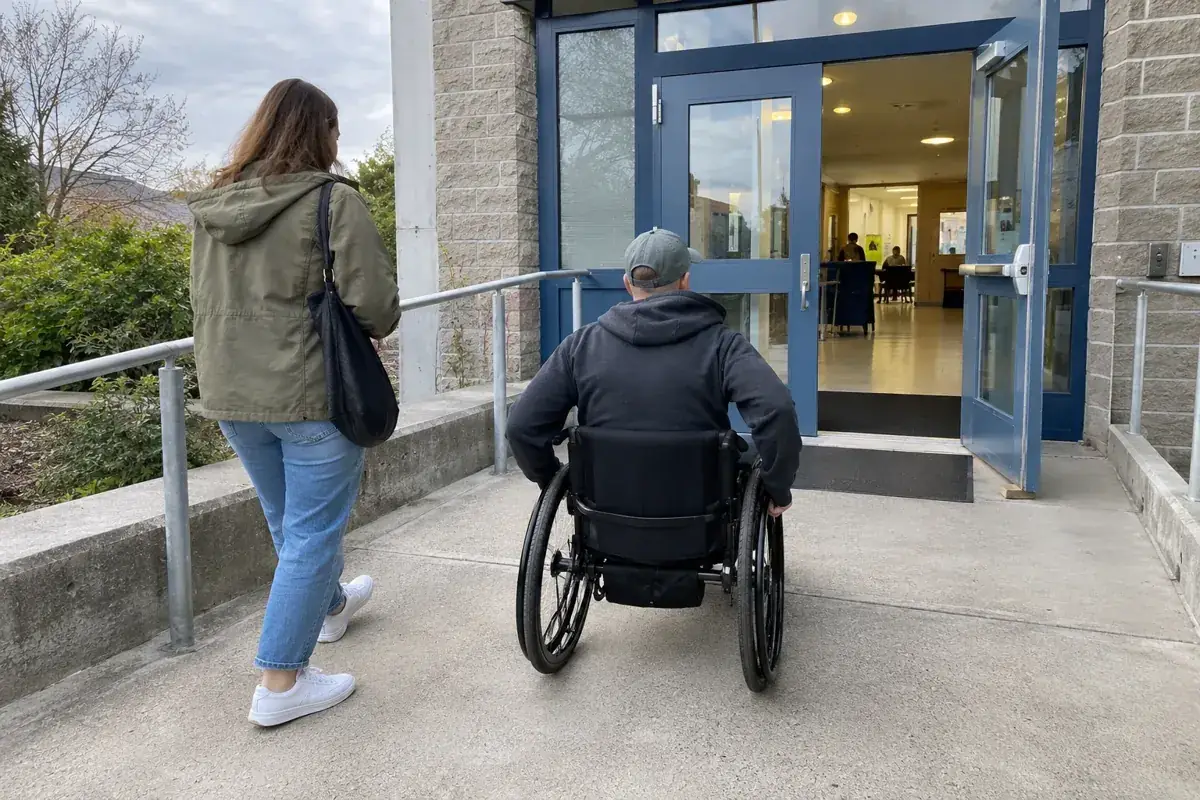
Keep walkways clear and consider where guests might wait if they arrive early. Don't position the welcome table where it blocks a doorway or high-traffic route. Check lighting, weather protection, and room for a brief conversation. If someone needs accessible entry, the team should know where it is and confirm it's unlocked and ready. A friendly direction loses all value if it sends someone to a locked door or an untested path.
Read more: How to make an event more accessible starting from the invitation.
Who directs guests at the previous entrance?
Before opening reception at a different door, agree on what happens when someone reaches the previous entrance. Depending on actual conditions, the venue may approve a sign or a person to direct arrivals. Sending a group message does not confirm coverage: check who accepted the task, for which period, and how they will report a difficulty. Do not leave an instruction dependent on someone whose shift has ended.
Directions should lead to the confirmed entrance without covering emergency signs or blocking a route. Do not improvise a path through a service door. If someone cannot follow the announced route, ask what they need and review an available option with the venue contact without promising unarranged assistance. Hand over the actual status: covered, pending, or closed.
| State | What to check |
|---|---|
| Task sent | Acceptance still pending |
| Coverage confirmed | Time window and next handover |
| Arrival difficulty | Listen and check an actual option |
Helpful phrasing for common scenarios
A team that responds consistently communicates calm and organization. Adapt these sample phrases for your team:
- Guest not found on the list: “Thank you for coming! Let me check with the host and I’ll get right back to you.”
- Duplicate or forwarded invitation: “Your check-in is all set. If someone else also has this link, let us know so we can take a look.”
- Guest arriving solo who doesn't know anyone: “Come with me, let me introduce you to someone in [area] to help you get settled.”
- Guest looking for something specific: “The restrooms are straight back to the right. If you need anything else, the help desk is right here.”
Match your tone to the event. What matters is that the response is warm, brief, and doesn't put the guest on the spot in front of others. To manage entry with QR codes, see how to manage guest entry with QR codes.
Rehearse the check-in process before opening
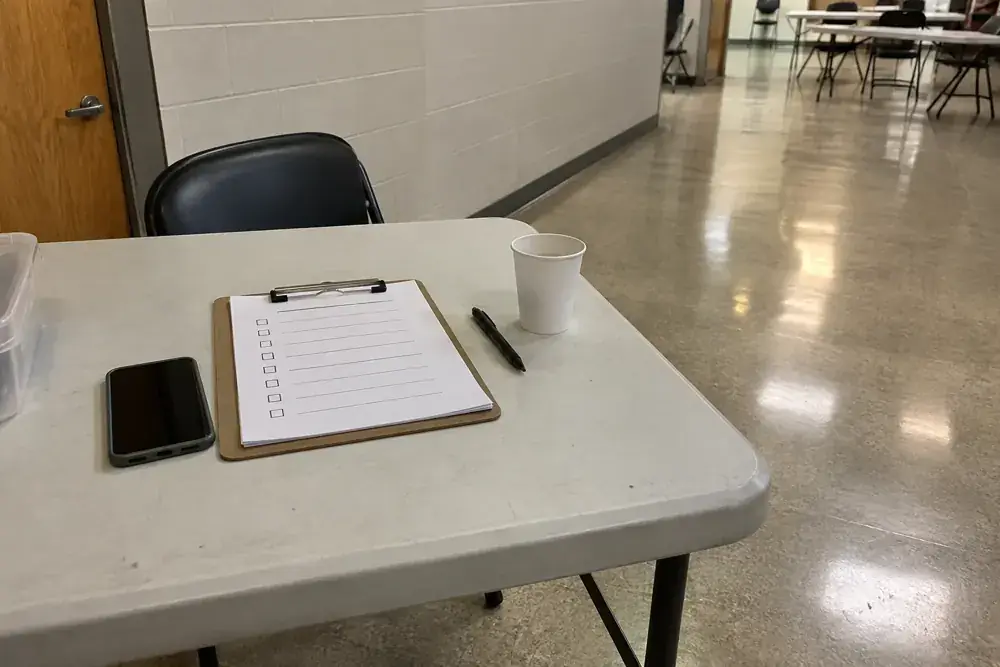
If the event requires a list or QR code, test the procedure with the team and with the devices that will be used. Make sure the people in charge understand what each result means and how to ask for support. It is not enough for a scan to work once. Also rehearse an invitation that cannot be found, a screen that is hard to read, and a question about plus-ones. Define what can be resolved at the door and what requires consulting the organizer.
Convite allows you to create QR invitations and supports online validation with a local offline alternative when there is no connection, according to its documented functionality. It is best not to assume that an offline mode coordinates duplicates across multiple phones. If your operation relies on multiple doors, prepare and verify the appropriate procedure before the event. The tool can support check-in; the team still needs clear instructions to handle exceptions and should not promise results that have not been tested in their specific context.
Resolve questions without putting anyone on the spot
Prepare a discreet way to handle issues away from the main walkway, if space allows. An invitation that does not appear may be due to a different name, a recent change, or an organizational mistake. Avoid announcing the problem out loud or discussing personal information in front of the line. Ask only for what is necessary to verify, and explain the next step calmly. Tone matters especially when the person already feels on display.
Agree on a decision-making contact and criteria for plus-ones or unexpected changes. Do not leave the greeter to invent exceptions under pressure, but do not expect them to apply ambiguous rules as if they were obvious either. If you need to wait for an answer, offer specific guidance: who is checking and where the person can wait without blocking the entrance. Do not photograph documents or store additional details for convenience. The resolution must align with the event's purpose and the terms that were communicated.
Connect guests with what's happening
Once inside, provide brief information: where to leave belongings if a space is designated, where the restrooms are, what is being served, and what the next activity is. Do not recite the entire program if the person has just arrived carrying bags. You can walk them to a table or introduce them to someone with a shared interest, keeping it natural. Avoid revealing personal details to force conversation or assigning someone the role of entertaining a stranger without asking them first.
Someone who arrives alone does not necessarily want to be integrated into an activity right away. Offer options: take a seat, have a drink, or say hello to the host when they become available. For late arrivals, explain where the event currently stands and how to join without interrupting. If a segment requires silence or a specific entry point, agree on the procedure beforehand. A warm welcome respects each person's pace and does not make punctuality or extroversion prerequisites for feeling included.
Read more: Out-of-Town Guests: How to Help Them Arrive Without Planning Their Trip.
Plan shift handoffs and close reception smoothly
Arrivals may cluster into one window, but someone might need guidance later on. Decide when formal reception ends and who will handle subsequent questions. If the team shifts, hand off the necessary information: pending issues, location of materials, and support contacts. Do not leave lists containing personal data in plain sight when the table is unattended. Store or delete information in accordance with the event's purpose and agreements, without keeping unnecessary copies.
Afterward, review which questions came up repeatedly and where bottlenecks formed. The issue may not have been check-in speed, but rather a poorly marked entrance or plus-ones lacking clear information. Adjust the invitation and the arrival path before adding more controls. The best reception is not the one that captures the most data or appears the most sophisticated. It is the one that provides clear entry, resolves exceptions with respect, and leaves guests free to enjoy the gathering.
What to keep handy at the welcome table
Before opening, check that the table has what is needed to respond without searching across multiple places:
- Guest list: in a format that can be viewed without displaying other people's details.
- Backup code or invitation: for anyone who forgot their phone.
- Markers and paper: to note issues without holding up the line.
- Simple map: showing restrooms, key areas, and emergency exits.
- Team contact: to escalate difficult cases.
When closing the reception, store the list and notes in a secure place and review any issues for the next event. If there are out-of-town guests, the guide on how to help them arrive is helpful.
Prepare a helpful phrase for common scenarios
The team can agree on three short responses before opening: one to provide directions, one to ask for a moment to verify details, and another to explain where to wait comfortably. For example: “I’m going to check with the person in charge; you can step over here with me, and I’ll let you know as soon as I have an answer.” Avoid statements that immediately blame the guest, such as claiming they never confirmed without checking first. It is not about memorizing a robotic script. It is a way to align the approach so that an issue is handled with the same clarity, even when the person at the front desk changes.
From reading to action
Prepare the reception
Check off what you've already sorted out. This checklist is saved only in this browser, without sending data or creating an account. It is not an app feature.
0 of 8 tasks completed
To keep welcome and start times clear, review which time to put on the invitation.
If the door changes while the venue stays the same, review how to announce a changed event entrance.
Before finalizing your plan
Do I need a QR code for a small gathering?
Not necessarily. Choose the procedure that solves your needs without adding unnecessary steps; a simple list may be enough.
What do I do if an invitation does not appear?
Check discreetly with the person in charge. Verify possible errors and explain the next step without exposing details to the line.
Does offline check-in work the same across multiple doors?
Do not assume so. Verify the tool's behavior and prepare a procedure; local check-in does not guarantee immediate coordination between devices.
How many people should be assigned to check-in?
It depends on the group size, arrival times, and how many entrances the venue has. The practical approach is to assign at least one person to check invitations and another to answer questions if traffic is high. Review the plan in advance and adjust the team based on what you observe during a walkthrough.
What should be done when someone arrives earlier than expected?
Welcome them warmly and offer them a place to wait. If the team is not ready yet, clearly state how long until doors open and avoid halfway-checking invitations. A brief, clearly communicated wait is usually more comfortable than an improvised entry.
How can you tell if the reception is going well in real time?
Watch to see if long lines form, if there are many repeated questions, and whether the team has time to help. If something recurs, adjust the procedure: add a sign, share an updated support phrase, or place an extra person at the busiest spot.
Sources and helpful reading
Practical guide from the editorial team. Examples are for guidance; adapt decisions and requirements to your event.
- Convite: official site: Product information. Operational instructions must be verified before the event; cross-device coordination is not guaranteed when offline.