Give every time a clear meaning
How to write the time on an invitation clearly
Updated 2026-10-29
An invitation time should name what happens then: arrival, ceremony or reception. Give the date, time and relevant place together. Use separate blocks for separate parts of the event. Write noon or midnight clearly, including the date. Share the real schedule rather than an earlier decoy time.
Updated October 27, 2026

What if the two parts have different conditions?
An indoor ceremony and a garden reception may require different details on the same invitation. Keep the date, time, and place in each block, then add the preparation detail beside the second: for example, “Reception on grass; choose comfortable footwear.” This describes the setting without requiring a second outfit or certifying the route’s accessibility.
If someone is invited only to the reception, their version should include that detail without asking them to interpret a program that does not apply to them. Check the ground or shade with the venue before announcing it. If something remains pending, plan an update and provide a private contact. The passage from one time to another does not automatically change the dress guidance.
For a single line that combines the dress level and the venue condition, see the guide to dress code wording on an invitation. Each block should make sense on its own; review the forwarded version too.
Read more: Dress code wording on an invitation.
| Line | Fictional example | Check |
|---|---|---|
| Welcome | November 15: from 6:30 p.m. | The venue can receive guests then |
| Start | November 15: ceremony at 7 p.m. | The activity starts then |
| Second part | November 15: reception at 8 p.m., named room | The block applies to this recipient and place |
One person reads “at seven” and expects the doors to open then. Another thinks the ceremony starts at that moment. The number matches, but the meaning is unclear. Name the moment and keep its date, time and place together. This guide helps you write that information for a dinner, wedding or workshop. The examples are fictional, and the four tools run in your browser. They do not calculate traffic, venue availability or the time each guest needs to arrive.
Should you give the arrival time or the start time?
Give the time of the moment you are inviting someone to, and name it. “Guest welcome from 6:30 p.m.; ceremony at 7 p.m.” explains two things a bare number cannot. Check that the venue and the person welcoming guests are available from the advertised time. Do not invent an earlier start to try to prevent late arrivals.
If you publish only one time, choose the one that lets the recipient decide when to show up. A workshop with a fixed start needs that start time. A gathering with flexible arrivals can state when welcome begins and when the event ends. These choices come from the actual program; no standard grace period fits every party.
How do you separate welcome time from the activity start?
Use a line for each purpose: “Welcome: 6:30 p.m.” and “Start: 7 p.m.,” alongside the date and place for that block. The half hour in this example is the difference between two written times. It does not prove that parking, check-in or seating will fit. Confirm the arrangements with the people running the event.
The guest message needs the times that affect arrival. Your team can keep a more detailed running order separately. Explain any access requirement where it belongs. A word such as “promptly” cannot replace clear information. Consider the reader who receives a forwarded screenshot without the conversation around it.
Read more: What to put on an invitation: wording, structure, and examples.
To plan how guests are received, review the guest welcome guide.
Should you write 7:30 p.m. or 19:30?
Choose a format your audience understands and keep it consistent. A twelve-hour time needs a clear part of the day when ambiguity is possible. A twenty-four-hour time does not take an a.m. or p.m. label. The converter shows the same clock time in both formats so you can check the wording.
For an English invitation, “7:30 p.m.” is familiar to many US readers. “19:30” can also be useful when its meaning is clear to your guests. The typography does not change the event schedule. If people are traveling or joining from another city, identify the local reference and check time zones with a tool designed for that task.
Invitation wording in a stationery demonstration
This English-language demonstration presents wedding wording and a reception-to-follow example. Its hosting conventions are personal choices; these templates do not require financial information or determine hosts from who pays.
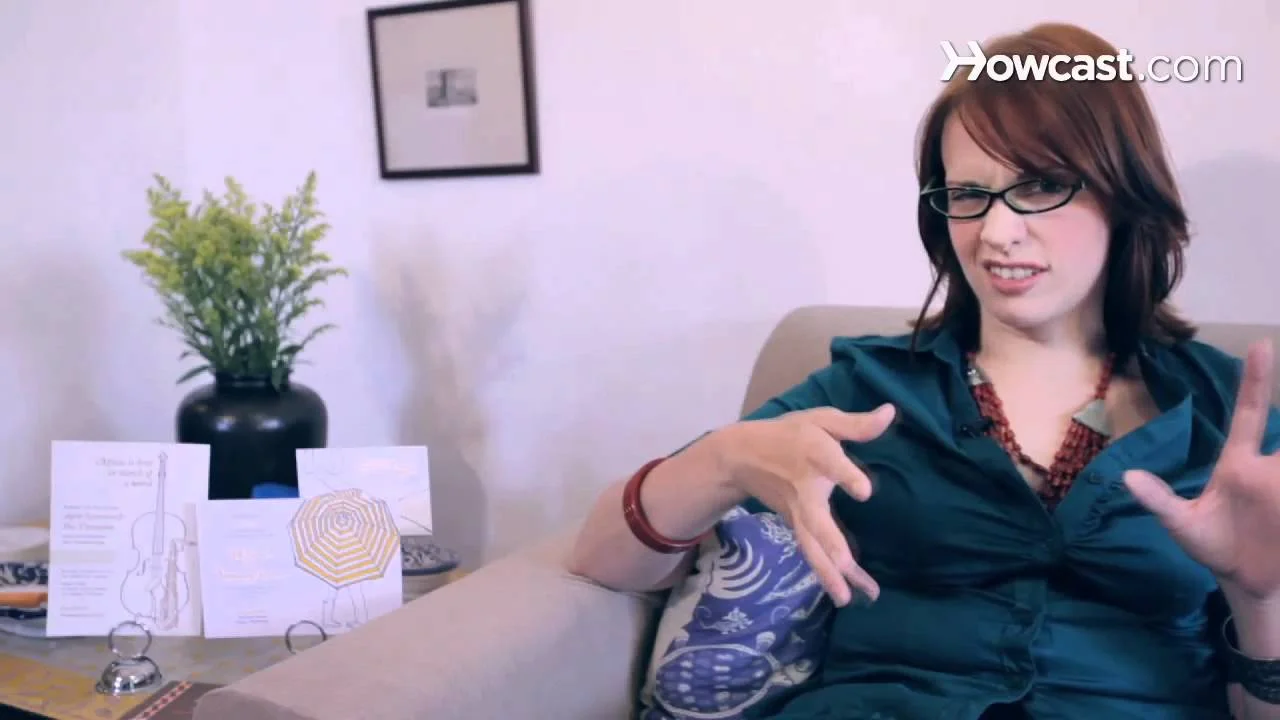
The YouTube player loads when you open the video. Watch on YouTube.
Check a clock format
Enter a local time to see two notations of the same moment. This does not change dates or time zones.
Complete the fields before checking.
Without JavaScript: 19:30 is 7:30 p.m.; write noon or midnight with the relevant date.
What should you write for noon or midnight?
Writing “noon” or “midnight” identifies these moments without making the reader interpret an abbreviation. For midnight, add the date that begins or describe the night joining the two days. Midnight at the start of November 15 is not the start of November 14. Check the calendar before sharing the wording.
NIST describes 12 a.m. and 12 p.m. as ambiguous and recommends clearer wording. Conventions vary between languages, so an English label should not be copied blindly into a translated invitation. These templates use explicit words and dates at those boundaries. They do not turn a formatting choice into a rule about when a celebration must start.
How do you show separate ceremony and reception times?
Create two blocks: moment name, date, time and place. If the reception is at another venue, repeat its address or the appropriate way to obtain it. “Reception to follow” is useful only when that relationship is actually settled and does not leave guests unsure where to wait or when they will be welcomed.
Check who receives each version as well. An invitation to the reception only should not present the ceremony time as that guest’s appointment. The draft tool lets you include one block or both. This changes a local text draft; it does not change app access permissions or your guest list.
Read more: Invitation location: map link, address, and entrance.
Pair each block with a clear invitation location.
Draft one or two invitation blocks
Choose the parts intended for this recipient. Only those blocks appear; this does not change access permissions or send messages.
Without JavaScript, copy this model for each included part: moment name — date — time — place. Omit parts the recipient is not invited to.
How do you check a gap that crosses midnight?
Enter both dates instead of assuming that an earlier-looking clock time belongs to the following day. The checker subtracts the civil values you enter and shows the written interval. If the second moment comes before the first, it asks you to correct the data. It does not roll the date forward automatically or decide whether travel will fit.
A time-zone or seasonal clock change can alter the actual elapsed duration between two moments. This tool does not make that conversion. Use the blog’s time-zone planner for an event involving multiple cities. For a local celebration, confirm the program with the venue and distinguish arithmetic from practical feasibility.
For an event across cities, use the blog’s time-zone planner.
Compare two civil clock readings and dates
The difference uses the written dates and times without a time zone. It does not calculate travel or adjust daylight saving time. Correct the values if the second moment is earlier.
Complete the fields before checking.
Without JavaScript: November 14 at 23:30 to November 15 at 00:15 is a written civil interval of 45 minutes. Check both dates rather than assuming the next day.
What if a time is still unconfirmed?
Say what is settled and which detail will follow. If only the date is agreed, you can announce it in an advance notice without inventing a time. Identify the channel where the missing detail will be shared. “To be confirmed” is more useful than a provisional number presented as final.
When a previously shared time changes, name the affected moment and the new version. Update the message, file and information channel you actually maintain. Editing a page does not automatically replace older screenshots or prove that every guest has read the update.
To decide which details you can announce, review the invitation wording models.
Does a program delay change the arrival time?
A delayed activity does not automatically move the venue opening. Before sending a correction, confirm which moment changed: access, the activity or both. State explicitly when arrivals remain unchanged. A vague message such as “everything moves back” can make a guest arrive after you needed to receive them.
The times in the table are fictional examples, not recommended durations. If the venue or team has not agreed on a replacement, keep it “to be confirmed” and explain how an update will be shared. Check forwarded messages and downloaded files too; editing a card does not correct copies people already received.
| Confirmed change | Example message |
|---|---|
| Activity: 18:30 → 18:50; access unchanged | Arrivals from 18:00; the activity starts at 18:50 |
| Access: 18:00 → 18:20 | The new arrival time is 18:20 |
| Replacement time pending | Time to be confirmed; update through the agreed channel |
How do you review the times before sending?
Ask someone outside the planning team to identify when they should arrive, what begins then and where they should go. If they hesitate, improve that line before adding more decoration. The checklist contains six wording checks. Ticking them does not confirm attendance or demonstrate that the venue is available.
Review the narrow layout and the file you will share. A page break or cropped image should not separate the date from the time. In another language, check the same facts and natural local wording. Translating a label should not move the event to a different day.

How can Convite help?
Convite creates QR invitations and supports local data without an account. An optional account enables features such as synchronization and online check-in under its terms. The first event is free, with subscriptions afterward. The time tools on this page are local editorial resources, without a connection to an event record in the app.
Review the draft before using it in your invitation. These tools do not send your fields or keep them in persistent storage, and a file is created only when you request it. Access control and time wording address different needs: a QR code alone does not explain which part of a celebration is included.
Review the message you will share
This list checks wording without confirming attendance or venue availability. Tick the items and export only if you want to keep your review.
Without JavaScript, review all six items and note what is missing in your own draft.
Before finalizing your plan
Should I give an earlier time to prevent late arrivals?
Share the real schedule. Separate welcome and start times when they differ, then confirm that the venue can receive guests from the published time.
Are 19:30 and 7:30 p.m. the same time?
They represent the same clock time within the same local reference. The converter does not change time zones or the event date.
Which date belongs to midnight?
Identify the start of the intended day. Keep the full date beside 00:00 or explain the night joining the two dates; do not leave “midnight” on its own.
How do I invite someone to the reception only?
Name the reception with its date, time and place. Do not present the ceremony time as an appointment for that person.
Does the calculated gap include traffic or check-in?
It compares the civil times you enter. It does not estimate travel, lines or venue constraints, or correct for time zones and seasonal clock changes.
Do the tools send the invitation?
They prepare local text and checks. They do not send your fields or keep them in persistent storage. A TXT file is created only when you request it.
Sources and helpful reading
Practical guide from the editorial team. Examples are for guidance; adapt decisions and requirements to your event.
- RAE-ASALE: hora and clock formats: Language source opened October 26, 2026; Spanish twelve- and twenty-four-hour notation, without party-planning rules.
- NIST: Times of Day FAQs: English reference on noon, midnight and the relevant date; opened October 26, 2026.
- OQLF: dates and times in ordinary texts: French reference for the h symbol, spacing and minutes; opened October 26, 2026.