Guides for hosts
An event timeline that actually holds up on the big day
Build a realistic timeline for your event: organize dependencies, set decision deadlines, and build in buffer time for setup, walkthroughs, and last-minute tweaks.
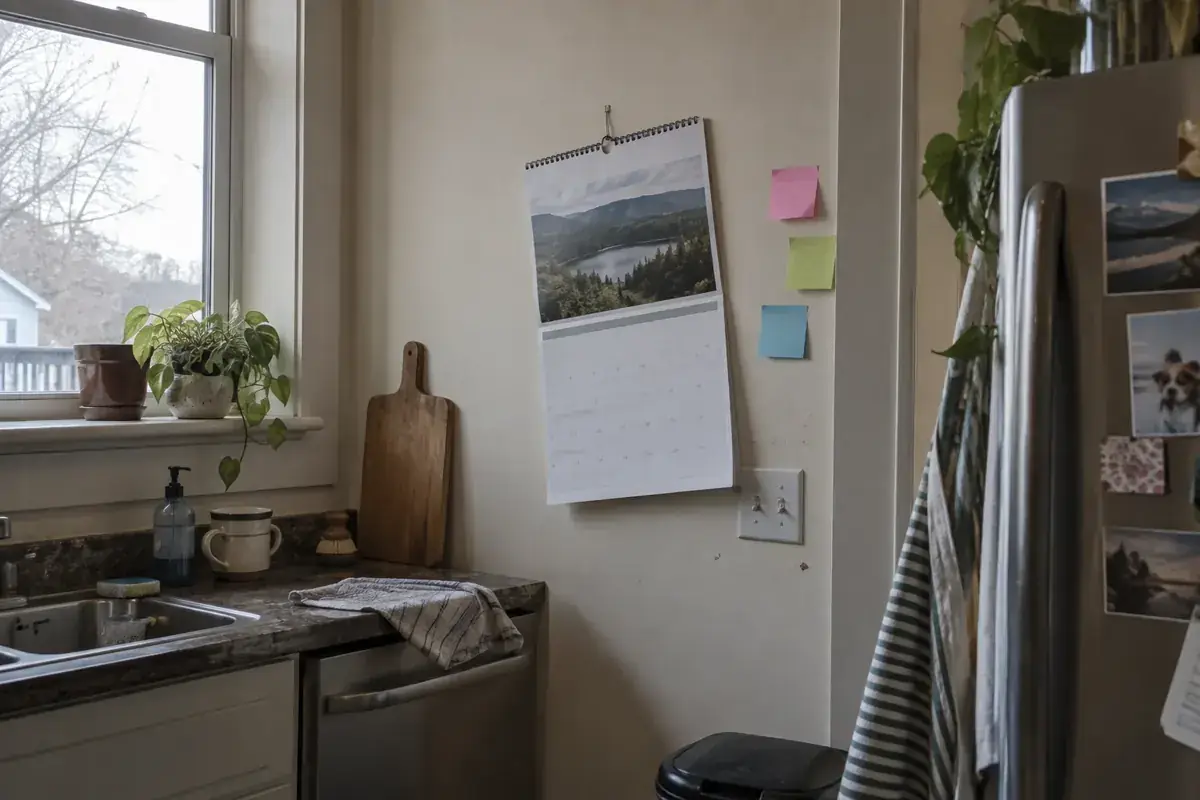
A long checklist might give you a false sense of progress while leaving the most critical items until the final day. A timeline helps answer something far more specific: what must be resolved, by when, and by whom. For a small gathering, you don't need to micromanage every minute for months. You do, however, need to pinpoint the key decisions that unlock the rest, such as the venue, guest count, or start time. This guide outlines an adaptable four-week roadmap and a day-of run of show. If you're short on time, keep the decision order intact and trim back complexity, rather than trying to juggle everything at once.
Start from the exact time everything must be up and running
Picture the arrival of your very first guest. Is the space ready? Is someone there to welcome them? Can food be served as announced? Work backward from that moment to schedule setup, deliveries, shopping, and RSVP deadlines. The event's start time isn't when your team starts getting ready. If setting up takes ninety minutes, add extra time for arrival, unloading, and a reasonable buffer for delays. Make sure your venue reservation covers that early access window.
Map out the wrap-up as well. Include closing activities, guest departures, vendor pack-downs, and venue handover. Many schedules end with 'party time' and overlook everything that comes after. That often leaves a single person stuck cleaning up long after everyone else has gone home. Working from both ends clarifies the true time commitment and allows you to talk with your helpers about the full schedule, not just the fun hours of the gathering.
Organize decisions, not just to-do lists
Some tasks rely on others. It makes no sense to print out final directions if the location could still change. Nor should you buy individual portions before you know your guest headcount. Sketch a simple chain: format and budget limit, venue and date, invitations, RSVPs, final shopping, setup. Not everything requires waiting. You can curate playlists or assemble a supply list while awaiting vendor confirmations, as long as that work isn't blocked by pending decisions.
Flag any to-do items that require a response from someone else. For each one, assign a follow-up date and a backup plan. For instance: 'Confirm venue access by Tuesday; if no answer, follow up Wednesday and hold off on announcing the address until confirmed.' A backup plan doesn't always mean booking an alternative: it could mean streamlining the activity or adjusting the timing. What matters is that an unanswered message doesn't quietly stall your entire plan. An open task without a clear next step tends to linger on the list, even when nobody is actively moving it forward.
Read more: How to Divide Event Tasks Without Overloading the Host.
An adaptable four-week planning sequence
Four weeks out, you can define the purpose, spending limit, format, date, and venue. In the third week, send the invitation with enough information and ask about any accessibility or participation needs you should consider. In the second week, review RSVPs, confirm vendors, and distribute responsibilities. During the final week, finalize headcounts within agreed deadlines, verify delivery schedules, and prepare final messages. This is an editorial suggestion, not a mandatory standard: a dinner at home and an event with multiple vendors require different scales.
If you only have seven days, start with what makes the gathering feasible: an available venue, key people, budget, and realistic food options. Cut back on decor decisions and avoid ordering materials whose delivery dates you cannot verify. Do not automatically compress a month-long project into a single week. Change the scope. A concise menu, a single communication channel, and one well-prepared main activity are usually more manageable than dozens of details coordinated at the last minute. The useful ambition is for the plan to work within the real time you actually have.
Build in buffers where delays carry the highest cost
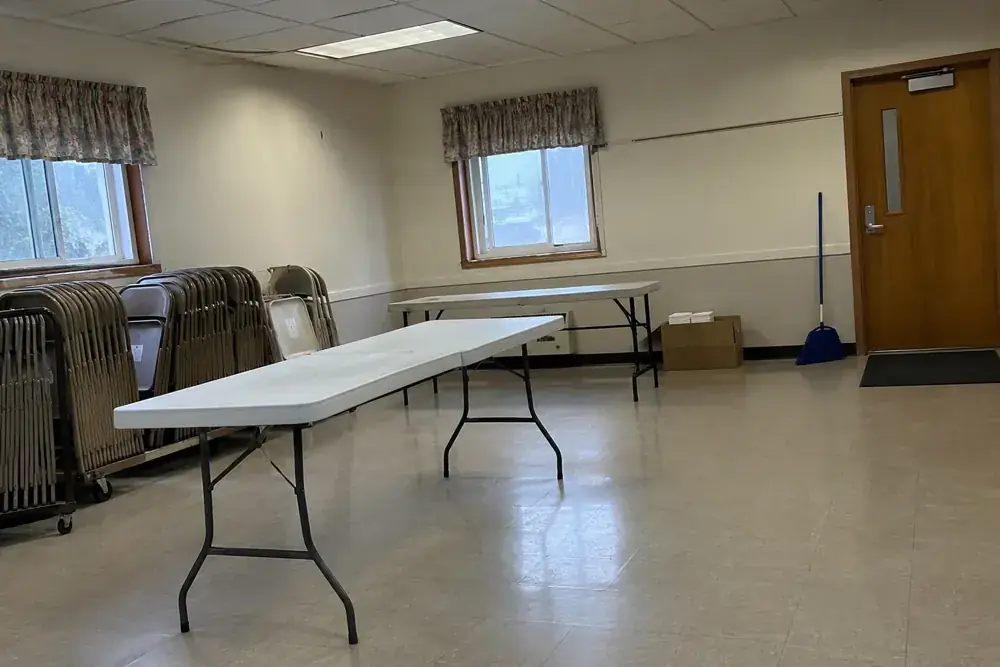
Not every task needs the same buffer. Putting out place cards can be shifted by a few minutes; receiving tables after the food arrives can block the entire setup. Identify deliveries, travel times, and technical checks that affect other people. Give them breathing room before the start time and agree on a way to stay in touch. If several things arrive at the same time through a narrow entrance, stagger the delivery windows. The timeline must respect the physical constraints of the space.
A technical test also needs time for troubleshooting. Turning on a speaker five minutes before welcoming guests only confirms whether you get lucky. Test the connection, playlist, and volume well in advance, under the actual conditions of the space. For a presentation, open the file on the computer that will be used and check that it is legible from the back of the room. If something fails, have a simple version of the activity ready that does not rely on that same equipment. The backup plan must be actionable, not just a line on your schedule.
Draft a day-of schedule with clear ownership
Use a short, visible schedule for the team: time, expected outcome, lead person, and contact info. Instead of “3:00 PM decor,” write “3:00 PM tables set and entryway clear, lead: Elena.” An observable outcome makes it easy to tell if the task is finished. For activities happening in parallel, avoid assigning the same person two incompatible roles. Whoever is greeting guests can hardly oversee a delivery on the other side of the venue during that same window.
Include a quick walkthrough before opening the doors: restrooms, water, foot traffic flow, music, food, and entry. You do not need to turn it into a formal meeting. It can simply be a ten-minute walkthrough with someone who knows the plan. Afterward, leave space to enjoy yourself. A schedule packed with back-to-back activities without any pauses usually falls apart as soon as someone runs late or a conversation lingers. Distinguish non-negotiable times from flexible ones so you do not treat every minor shift like a crisis.
Read more: How to budget for an event without losing sight of what matters.
Maintain a single source of truth and learn from wrap-up
Choose one central place for the current schedule to live and include an “updated on” date. If you change an important time, notify the affected people directly. Do not assume they will catch a silent edit in a document. You can send a brief recap: what changed, what they need to do, and what the new time is. Keep private guest or vendor details off the shared schedule if they do not help run the event.
When it wraps up, note the actual duration of setup and teardown. Write down where you needed more buffer time and where you had too much. Also record any tasks that turned out to be unnecessary; eliminating them is an improvement, not a failure. For your next gathering, build on that experience and adjust according to the venue and size. A useful timeline is not the most detailed one: it is the one that allows decisions to happen on time and lets people know what to do without checking with the host every minute.
Test your schedule with one concrete question
Review your plan by asking yourself what would happen if a delivery arrived thirty minutes late. It is not about adding half an hour to everything, but rather identifying what would grind to a halt. Perhaps you can put up signage while waiting for the tables, but you cannot serve food if the necessary equipment is not yet available. Adjust the sequence and write down the workaround. Then run the same exercise for a team member who has to leave early. If your schedule requires nobody to ever run late, it needs fewer concurrent tasks or better-placed buffer time.
From reading to action
Organize your timeline
Check off what you've already sorted out. This checklist is saved only in this browser, without sending data or creating an account. It is not an app feature.
0 of 8 tasks completed
Before finalizing your plan
How far in advance should I start planning?
It depends on the format, venue availability, and hired services. The four-week timeline is adaptable; actual vendor deadlines always take priority.
What do I do if a task gets delayed?
Identify what it is blocking and make an explicit decision: reschedule, simplify, or use a backup plan. Do not push back all tasks out of habit.
Do I need a special app?
No. A shared spreadsheet or document can be enough as long as it lists point people, dates, and a clear version number.