Invitations
Baptism invitation wording: separate ceremony and reception
To write a baptism invitation, confirm the ceremony and reception separately. Give each part its own location and time, identify who is invited and explain how to reply. Confirm godparents’ names and any religious instructions with the people and community involved instead of filling in missing details by assumption.
Updated 2026-11-16
A warm opening does not replace practical directions. Guests need to know whether they are invited to the ceremony, the meal or both. This guide organizes those details without prescribing a family tradition, a fixed lead time or universal religious requirements. The templates are fictional: replace each field only after checking it. Even a small gathering needs clear instructions when it involves two addresses or one household replies for several guests.
| Part | Details | Check |
|---|---|---|
| Ceremony | Date, time, venue | Venue agreement |
| Reception | Its own time and address | Host agreement |
| Reply | People and parts | Clarify before counting |
What should you confirm before designing?
Record the full date, venue name, address and agreed ceremony time. Ask the venue which instructions guests actually need. An invitation does not replace arrangements for the ceremony or prove that requirements have been met; keep those conversations separate. Do not turn a pending detail into a confirmed one simply to finish the design.
Then confirm whether there is a reception and who is invited to it. Check the actual journey between venues and agree on timing with the hosts. Avoid a universal travel buffer or an ending time the venue has not confirmed. A contact for questions can cover information that does not fit on the card.
Separate the ceremony and reception into two blocks
Fictional template: “Please join us for [name]’s baptism. Ceremony: [full date], [time], [venue and address]. Reception: [time], [venue and address]. Please reply to [contact] by [agreed date].” This wording assumes the recipient is invited to both parts. Remove the reception if it is outside that person’s invitation.
If guest groups differ, identify the versions clearly in your private planning records. You do not need to publish who was left out of one part. A phrase such as “please join us at the reception” needs that event’s address and time, without suggesting automatic access to a different activity.
Read more: How to Make a Guest List You Can Actually Use.
Choose the block to review
Check the date, time and address with the venue. Do not announce a pending detail.
Check its own address and time, and who is invited to that part.
Ask for a clear reply for each part when the headcount differs.
Compare two written times
Use fictional examples. Only text is compared; no date or venue is validated.
- Draft
- Confirmed
Before sharing the invitation
Reviews: 0 of 5.
Reviews: {n} of 5.Agree on names and tone before publishing
Confirm how names should appear with those responsible for the invitation. If you mention godparents, check that they have agreed and how they want to be named. A decorative template does not assign that role. Avoid adding a child’s full name, photograph or personal details by habit when the audience does not need them.
Choose a religious opening only when it reflects the family and the agreed ceremony. Simple wording can also be respectful: “We would love to share this day with you.” Do not present words attributed to a child as an actual statement or turn an online example into a rule for every community.
A digital baptism invitation layout
Ruvie Manansala arranges a baptism invitation in Canva, a separate tool. This is a layout example, not baptism requirements or a Convite feature. Use only images you have rights to and check consent before sharing a child’s photo; the video’s image-search workflow does not establish permission.
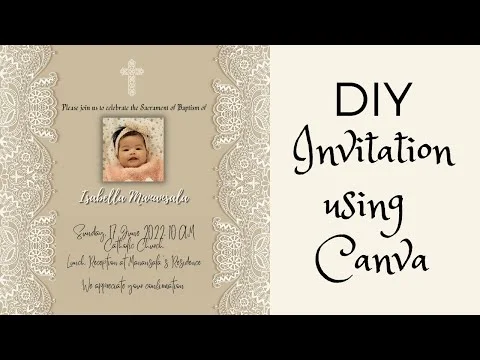
The YouTube player loads when you open the video. Watch on YouTube.
Count people rather than reply messages
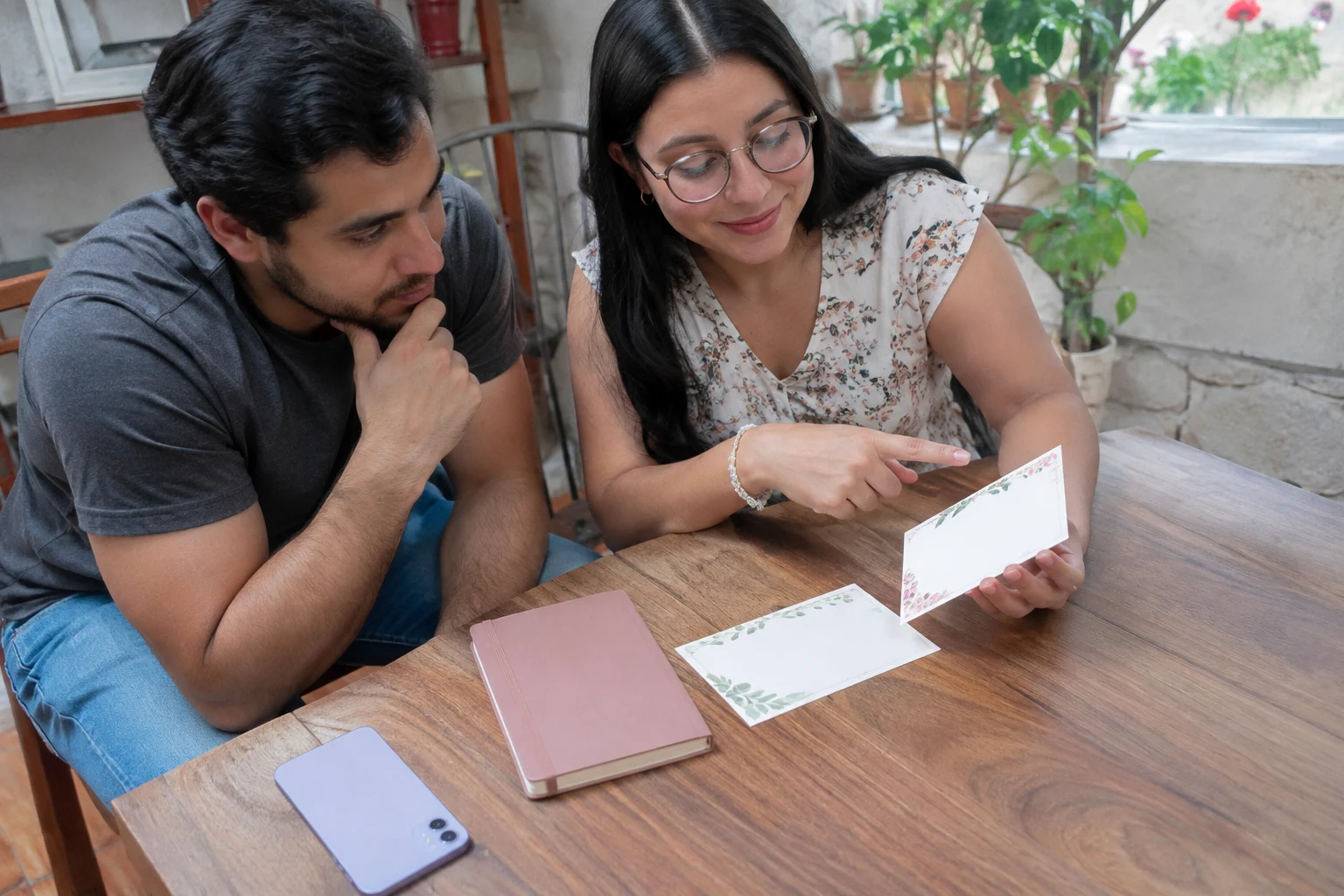
Explain who can reply and what you need to know for each part. “Four of us are coming” does not say whether all four will attend both venues. Ask separately when that affects the available places. The family RSVP guide helps keep names and headcounts distinct without adding duplicate replies as extra guests.
A compliment about the design or an emoji does not establish attendance. Record what the person clearly confirmed and leave uncertainty marked for follow-up. Keep that distinction in the guest list. Do not share the whole planning document to resolve a question that can be handled privately with the relevant guest.
Provide readable directions and checked access
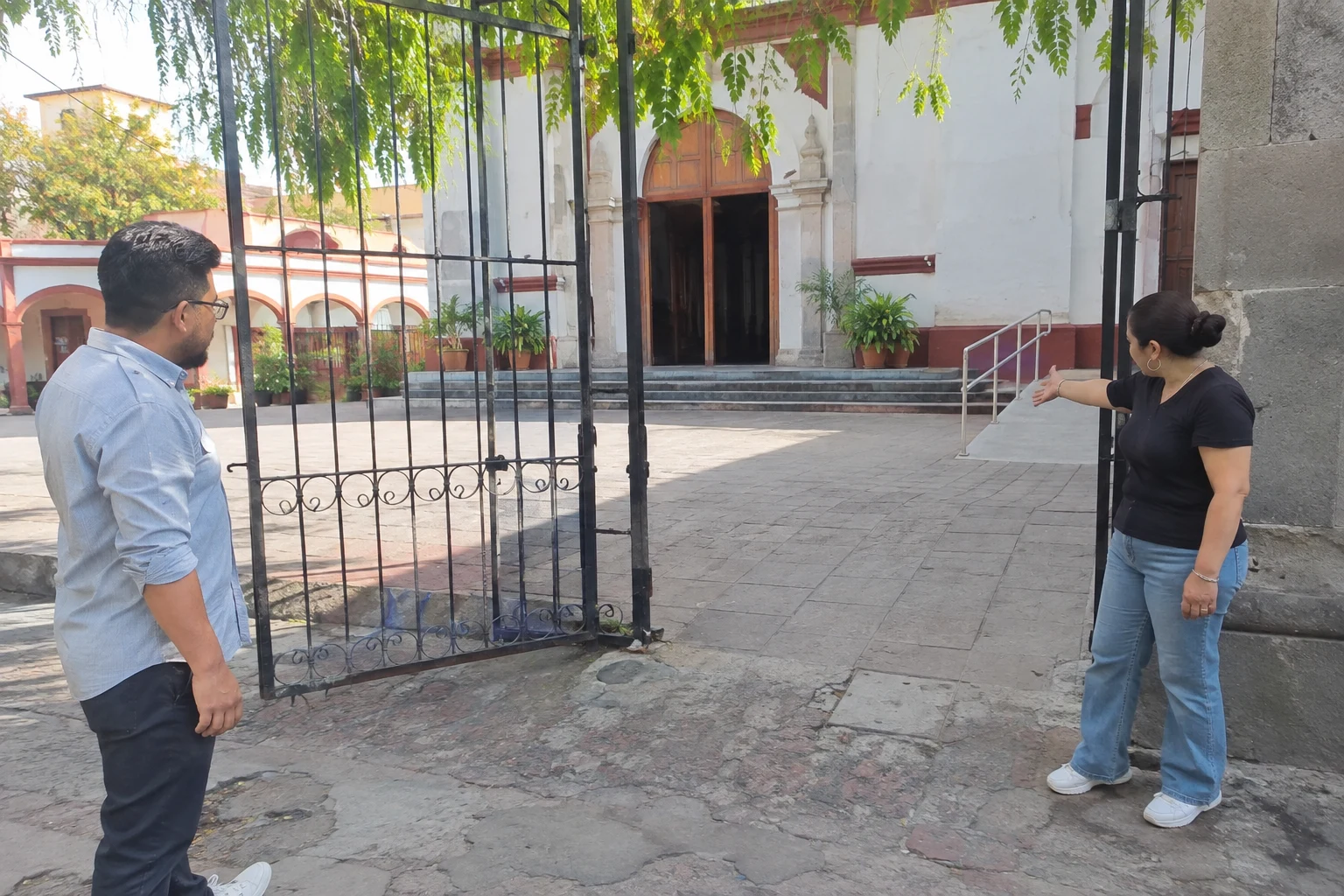
Include the venue name and written address alongside the map. Google Maps’ official guidance explains how to share a location or directions; the link itself does not verify the right entrance. Open it from the final invitation and check each destination, particularly when two venues have similar names.
Ask about access needs without collecting diagnoses or announcing unverified conditions. W3C’s accessible-events checklist considers diverse needs; it is an organizing reference here, not a venue certification. If steps or an alternative entrance require coordination, communicate only the details you have checked and provide a contact.
Read more: Family RSVP: record who is coming and how many.
Review the version you will actually send
Read the invitation on a phone: headings, full date, separate times, addresses and reply instructions. W3C recommends clear, understandable instructions, so essential details should remain available as text rather than only in an image. The digital card tutorial illustrates presentation, not baptism requirements or features of Convite.
Use the local helpers with fictional examples to choose a block to review and compare two written times. The comparison detects text differences; it does not validate dates or send invitations. Learn about Convite’s QR invitations and guest-list offering from its current home page. Family decisions and venue checks remain separate from any automatic promise.
Also read: How to host a comfortable, pressure-free baby shower.
Before finalizing your plan
Must I announce godparents?
Agree whether to name them and confirm their names first.
Is one address enough?
Only when it covers every part that recipient is invited to.
Is there a universal sending deadline?
This guide sets none; choose based on confirmed details and reply needs.
Does a map replace the written address?
No; include readable text and check the entrance.
Does an emoji confirm a whole household?
It does not identify who is attending which part.
Do the exercises send the invitation?
No, they are local review helpers without sending.
Sources and helpful reading
Practical guide from the editorial team. Examples are for guidance; adapt decisions and requirements to your event.
- W3C — Writing for Web Accessibility: Clear instructions and understandable content.
- Google Maps — Share directions: Sharing a location does not verify its entrance.
- W3C — Making Events Accessible: An organizing reference, not a venue certification.